LinePilot Digitizer · University of Georgia
Turn a picture of a line plot into numbers.
LinePilot reads the axes, follows each colored curve column by column, and hands back a CSV you can re-analyze. Three calibration modes let you choose between full automation and precise manual control — the curve recovery is the same either way.
How it works
Digitization is two problems. Calibration maps image pixels to data coordinates; a calibration error shifts every recovered point. Curve recovery follows the plotted line, which is a continuous path rather than a cloud of independent pixels. LinePilot keeps the recovery stage fixed and lets you pick how calibration happens.
Standard manual
You click four axis points — X min, X max, Y min, Y max — and LinePilot uses them directly. A guided banner walks you through each click. Full control, no surprises.
Enhanced manual, sub-pixel
Same four clicks, but each one is snapped to the nearest tick or axis stroke using local image intensity. A detected crossing refines both coordinates; a single stroke refines only the coordinate across it. If no feature is found nearby, your click is kept as is — precision is added only where the image supports it.
OCR automatic
LinePilot finds the plot region, crops the two axis neighborhoods, reads the numeric labels with Tesseract (and RapidOCR when available), pairs labels with ticks, and rejects readings that disagree with the common scale. If the required endpoints can't be established it reports failure instead of guessing — and you can fall back to a manual mode.
One curve-recovery procedure for every mode
Target colors are detected automatically or picked by you. In each image column, pixels within tolerance of a target color are grouped into vertical runs; each run's midpoint is a candidate and its thickness is extra evidence. Dynamic programming links candidates across columns, rewarding sustained support and penalizing abrupt jumps and gaps, so isolated color-matched specks lose out to the real line. Only image-supported points are exported — missing columns are never filled with invented values.
Results
One example from DigitizerBench — an overlapping two-line plot rendered with Altair — digitized by the state-of-the-art automatic tool, the state-of-the-art manual tool, and the three LinePilot modes.
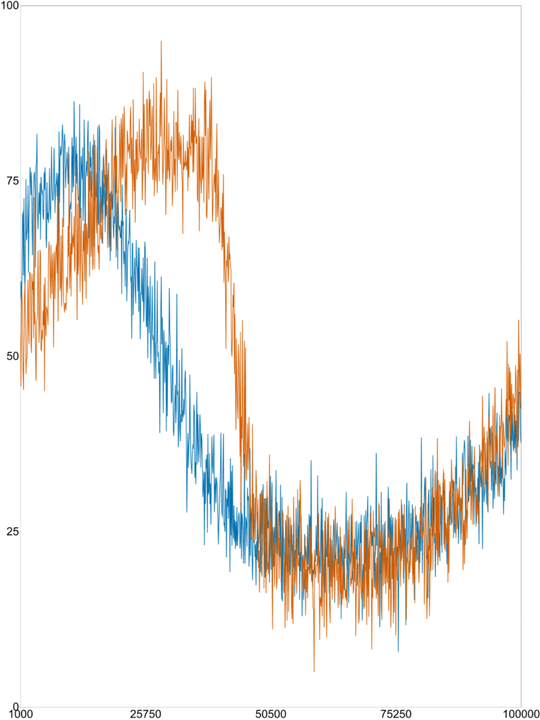
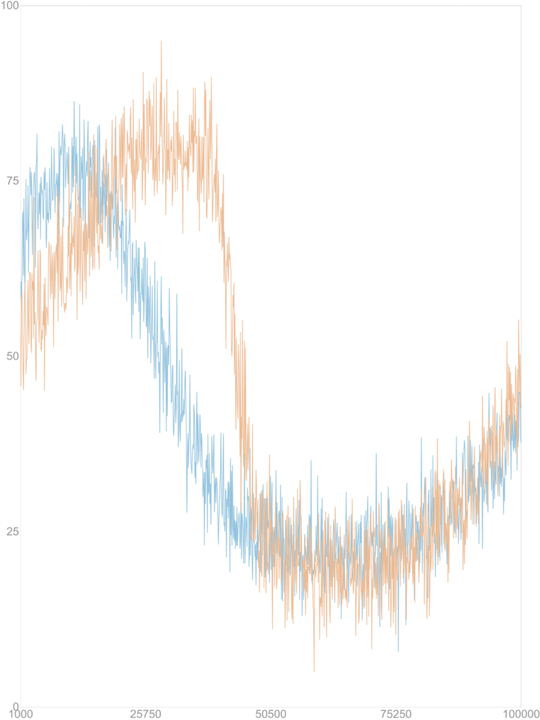
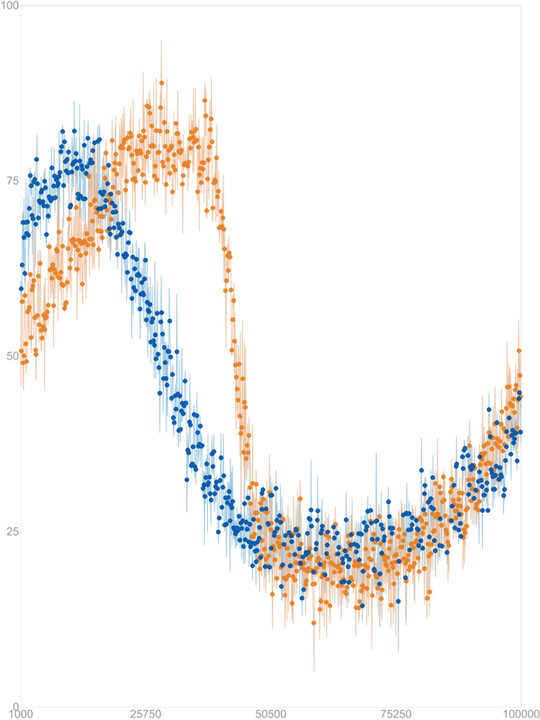
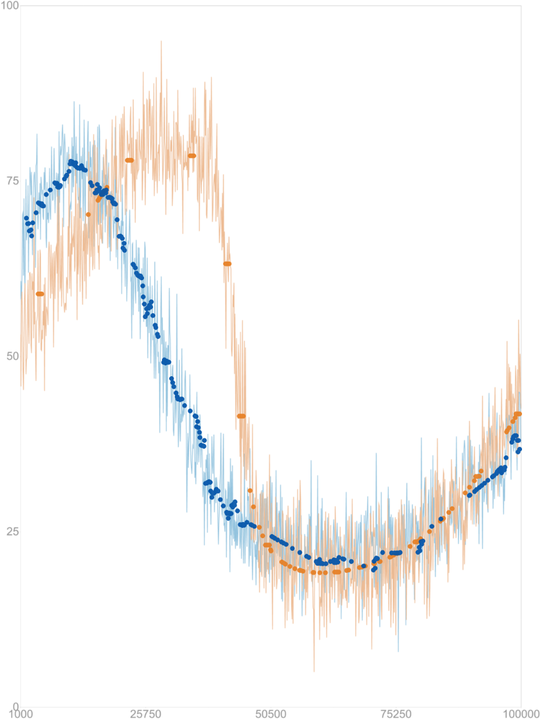
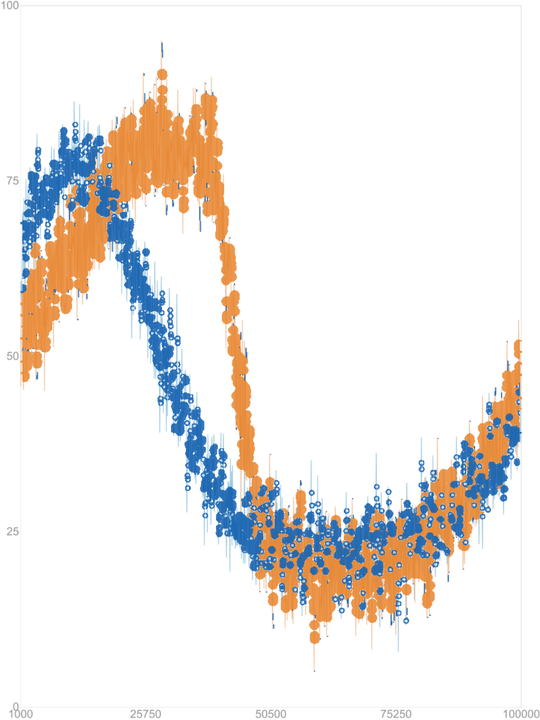
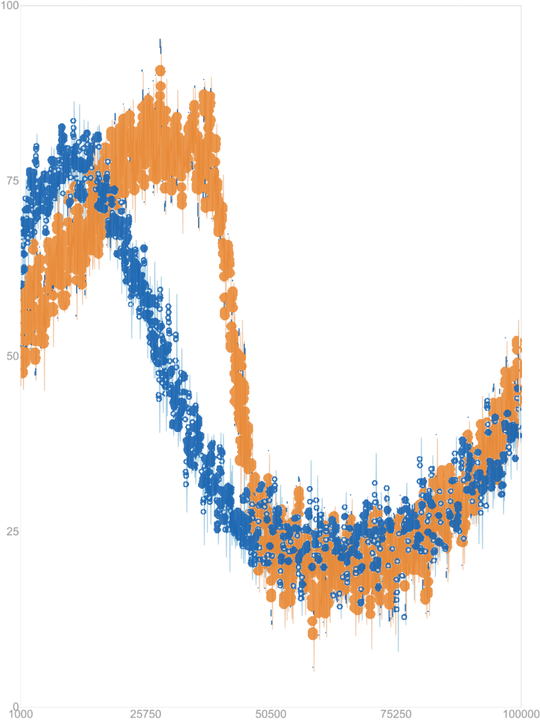
Example D0001-overlapping-altair from DigitizerBench (Fig. 1b in the paper). The full nine-tool comparison, including LineEX, WebPlotDigitizer and Engauge Digitizer, is in the online appendix.
| Method | FPC-NRMSE ↓ | Output success | Trusted usability | Points / line |
|---|---|---|---|---|
| ChartOCR | 0.953 | 30.2% | 5.4% | 29 |
| LineEX | 0.997 | 36.6% | 0.4% | 14 |
| LinePilot (OCR) | 0.672 | 55.1% | 38.2% | 1,180 |
FPC-NRMSE assigns a full unit of error to any image with missing, unusable or catastrophically wrong output, so it rewards reliability, not just accuracy on the easy cases.
| Method | FPC-NRMSE ↓ | Output success | Trusted usability | Points / line |
|---|---|---|---|---|
| PlotDigitizer Pro | 0.097 | 100% | 91.7% | 475 |
| WebPlotDigitizer | 0.164 | 98.3% | 86.7% | 195 |
| Engauge Digitizer | 0.790 | 55.0% | 23.3% | 235 |
| LinePilot (standard) | 0.101 | 100% | 91.7% | 1,025 |
| LinePilot (enhanced) | 0.081 | 100% | 93.3% | 1,027 |
Trusted usability: correct line count, finite error on every match, ≥ 20 valid points and ≥ 80% coverage. Values from Table 3 of the paper.